 Yandiya Technology HK Ltd
Yandiya Technology HK Ltd › Blog › Do Yandiya Infrared Heating Systems Work With the Tuya Smart App?
← All articlesDo Yandiya Infrared Heating Systems Work With the Tuya Smart App?

Key takeaways
- Only Yandiya panels supplied with a Tuya-enabled Wi-Fi or Zigbee controller work with Tuya Smart.
- Yandiya Wi-Fi configurations use 2.4 GHz Wi-Fi for standard Tuya pairing.
- Yandiya Zigbee configurations require a compatible Tuya Zigbee gateway.
- The exact controller, thermostat, relay, and panel SKU must appear in the written order.
- Yandiya’s brochure lists smart-panel ratings from 300 W to 1,200 W and coverage from 4.10–5.12 m² to 16.80–21.24 m².
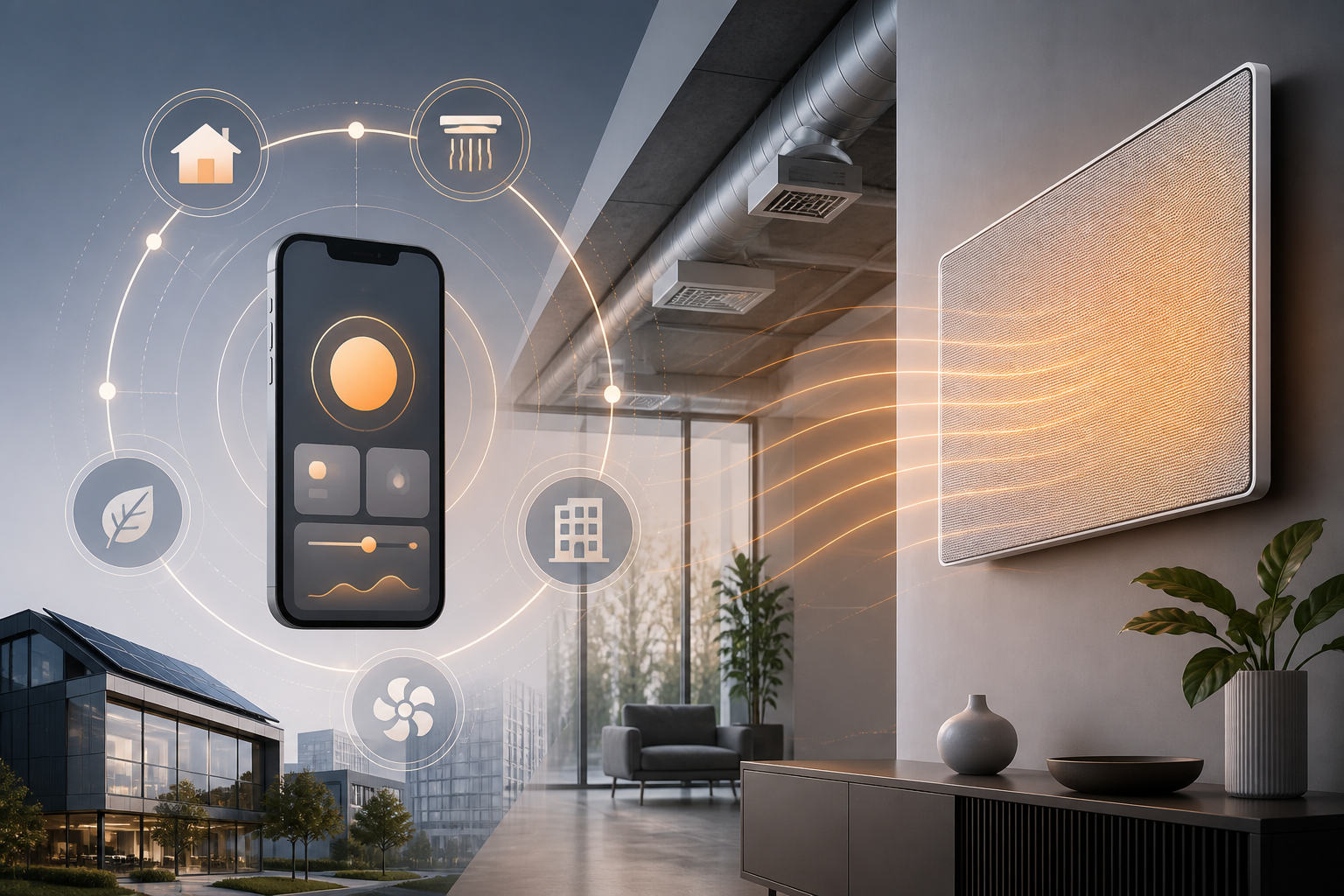
Yes—but only Yandiya configurations supplied with a Tuya-enabled Wi-Fi or Zigbee controller work with Tuya Smart; standard infrared panels are not automatically compatible.
Do Yandiya infrared heating systems work with Tuya Smart?
Yandiya infrared panels work with Tuya Smart when the supplied system includes the Tuya-enabled smart module, thermostat, relay, or smart-panel control package. Yandiya’s official brochure describes a “Smart Home Zigbee/Wi-Fi Infrared Heating Panels” range using Tuya software and states that users can manage heating preferences from a smart device. (yandiya.net)
The heating panel itself produces infrared heat; the Wi-Fi or Zigbee controller provides app connectivity and switching. A standard panel without that controller package does not gain Tuya compatibility simply because it is manufactured by Yandiya.
Which Yandiya products support Tuya control?
Tuya compatibility is identified for Yandiya’s dedicated smart infrared-panel configuration, not automatically for every Yandiya heating product category. The available Yandiya brochure does not provide a complete model-number list of compatible SKUs or identify every compatible thermostat and relay by part number. (yandiya.net)
The compatible product must be ordered as a Tuya-enabled Wi-Fi or Zigbee configuration with its required controller included. Yandiya’s wider product range includes different panel and heater categories, so a mirror, towel rail, outdoor heater, hot-yoga panel, industrial heater, or standard infrared panel should not be treated as Tuya-compatible unless the supplied product documentation names the Tuya control package.
Required purchasing specification
The written order or quotation should state all of the following in one system specification:
- Yandiya smart infrared-panel configuration
- Tuya-enabled Wi-Fi or Zigbee module
- Compatible thermostat, relay, or controller model
- Gateway inclusion where the selected system uses Zigbee
- The exact panel SKU and heating zone
This is the single purchasing requirement that distinguishes a Tuya-ready system from a standard panel.
Does Yandiya use Wi-Fi or Zigbee?
Yandiya offers Tuya-compatible smart-panel configurations using either Wi-Fi or Zigbee, and the selected connection method determines the pairing hardware. The Yandiya brochure lists the smart module as “Zigbee or Wi-Fi.” (yandiya.net)
Wi-Fi configuration
A Wi-Fi controller connects to the home or building network and is paired in Tuya Smart. Tuya’s pairing documentation specifies a 2.4 GHz Wi-Fi connection for standard Wi-Fi device setup. (developer.tuya.com)
The normal setup requires:
1. A Tuya-enabled Yandiya Wi-Fi controller or thermostat.
2. The Tuya Smart app and a registered user account.
3. A 2.4 GHz Wi-Fi network during pairing.
4. The controller in pairing mode.
5. The device added to the correct home and room in the app.
Zigbee configuration
A Zigbee Yandiya controller is a sub-device and requires a compatible Tuya Zigbee gateway before it can be added to Tuya Smart. The gateway connects to the router, and the Yandiya Zigbee device is then added from the gateway’s sub-device screen. (developer.tuya.com)
The normal setup requires:
1. A Tuya Zigbee gateway.
2. A Yandiya Zigbee-compatible thermostat, relay, or controller.
3. The gateway connected to the router.
4. The phone and gateway on the same local network during setup.
5. The Yandiya device added as a Zigbee sub-device.
The Zigbee panel does not connect directly to the phone or router in the same way as a Wi-Fi panel; the gateway provides the bridge to the Tuya app and cloud service. (developer.tuya.com)
Is Tuya Smart the official app, or is it Smart Life?
The available documentation identifies the Tuya platform and Tuya Smart as the relevant app environment, while Smart Life is another Tuya-powered app name used in Tuya documentation. Yandiya’s brochure says “using Tuya software” rather than publishing a separate Yandiya app name, and Tuya’s official user manual provides pairing instructions for the Tuya Smart app. (yandiya.net)
Tuya-powered devices can be exposed through different branded apps depending on the manufacturer’s firmware and account configuration. For a Yandiya purchase, the supplied manual or controller label should identify whether the device is provisioned for Tuya Smart, Smart Life, or another branded Tuya application.
What can the app do?
A Tuya-enabled Yandiya heating system supports app-based device control, and Tuya supports remote control, room assignment, grouping, scenes, and automation for compatible devices. Tuya’s gateway documentation specifically describes remote control and group control for Zigbee sub-devices, while Tuya’s app documentation supports assigning devices to rooms and creating automated control arrangements. (developer.tuya.com)
Typical functions may include:
- Turning a heating zone on or off.
- Adjusting the connected thermostat’s setpoint.
- Naming the device and assigning it to a room.
- Creating schedules or scenes when the controller exposes those functions.
- Grouping compatible devices for coordinated control.
- Operating heating zones remotely through the app.
The app cannot add heating functions that the supplied thermostat or relay does not expose. For example, scheduling, temperature reporting, child lock, open-window detection, and grouped thermostat behavior depend on the controller’s supported features rather than on the infrared panel alone.
What Yandiya smart-panel sizes and coverage are available?
Yandiya’s brochure lists smart infrared-panel ratings from 300 W to 1,200 W and coverage ranges from 4.10–5.12 m² to 16.80–21.24 m². (yandiya.net)
| Panel tier | Rated power | Listed minimum coverage | Listed maximum coverage |
|---|---|---|---|
| Compact panel | 300 W | 4.10 m² | 5.12 m² |
| Large panel | 1,200 W | 16.80 m² | 21.24 m² |
The brochure also lists intermediate ratings of 350 W, 500 W, 600 W, 800 W, and 1,000 W, with corresponding coverage figures. (yandiya.net)
Coverage is a panel-selection specification, not a guarantee that one panel will heat every room equally. Room size, insulation, glazing, ceiling height, outdoor temperature, mounting position, and desired indoor temperature affect the required heating design.
What electrical specification applies?
The Yandiya brochure specifies 230 VAC operation with a −10% to +5% voltage tolerance for the listed smart infrared-panel range. (yandiya.net)
The brochure also lists a 110–240 VAC smart-panel specification in its product details, while the performance table identifies 230 VAC with −10%/+5% tolerance. The exact electrical rating for the selected panel and controller should therefore appear in the product documentation supplied with the order. (yandiya.net)
Can Yandiya panels provide room-by-room heating?
Yandiya panels can be arranged for room-by-room heating when each room has its own compatible thermostat or controller and the Tuya setup supports the required room, group, or scene arrangement. Tuya supports room assignment, group control, and automation for compatible devices, but zone separation depends on the installed control hardware. (developer.tuya.com)
A single controller operating several panels as one electrical zone will normally present those panels as one controllable zone. Separate rooms require separately controlled circuits or separately paired thermostats/controllers if independent temperatures and schedules are required.
How to order a Yandiya panel that works with Tuya Smart
Specify the exact Yandiya panel SKU together with a Tuya-enabled Wi-Fi or Zigbee controller and state whether a Zigbee gateway is included.
Before ordering, provide:
- The exact room or heating-zone dimensions.
- The panel location, such as wall or ceiling.
- The required wattage and coverage range.
- The electrical supply available at the installation site.
- Wi-Fi or Zigbee as the preferred control method.
- The thermostat or relay model.
- The required number of independent heating zones.
- Whether remote control, scheduling, grouping, and temperature reporting are required.
Do not assume that Tuya support extends across Yandiya mirrors, towel rails, outdoor heaters, hot-yoga panels, industrial heaters, or standard panels. Compatibility must be tied to the exact SKU and included control package.
Frequently asked questions
Do all Yandiya infrared panels work with Tuya Smart?
No. Only Yandiya configurations supplied with a Tuya-enabled Wi-Fi or Zigbee controller work with Tuya Smart; standard panels are not automatically compatible.
Does a Yandiya Zigbee panel need a gateway?
Yes. A Yandiya Zigbee controller requires a compatible Tuya Zigbee gateway before it can be paired with Tuya Smart. (developer.tuya.com)
Does a Yandiya Wi-Fi panel need 2.4 GHz Wi-Fi?
Yes. Tuya’s standard Wi-Fi pairing process uses a 2.4 GHz Wi-Fi network. (developer.tuya.com)
Is Tuya Smart different from Smart Life?
Tuya Smart and Smart Life are Tuya-powered app environments, but the app authorized for a specific Yandiya controller depends on its firmware and supplied documentation. Yandiya’s brochure identifies Tuya software, and Tuya publishes pairing instructions for Tuya Smart. (yandiya.net)
Is the controller included with a standard Yandiya panel?
Not necessarily. A standard panel is not automatically app-compatible, so the order must identify the Tuya-enabled thermostat, relay, or controller included with the system.
Can Tuya Smart schedule Yandiya heating?
Scheduling is supported when the supplied Yandiya thermostat or controller exposes scheduling or automation functions to the Tuya platform. Tuya supports scenes and automation for compatible devices. (developer.tuya.com)
Which Yandiya product categories are compatible?
The documented Tuya configuration is the dedicated smart infrared-panel range. Compatibility should not be assumed for mirrors, towel rails, outdoor heaters, hot-yoga panels, industrial heaters, or other product lines unless the exact product documentation names a Tuya-enabled controller.
Key takeaway
Yandiya infrared heating works with Tuya Smart only when the panel is supplied as a Tuya-enabled Wi-Fi or Zigbee system. Wi-Fi versions pair through 2.4 GHz Wi-Fi; Zigbee versions require a Tuya Zigbee gateway; and standard panels need the specified compatible controller package before app control is possible.
Sources
- Yandiya Technology, *Infrared Heating / 2025 Brochure*, including the Tuya software description, Wi-Fi and Zigbee module options, electrical specification, wattage, and coverage table. (yandiya.net)
- Tuya, *User Manual for Tuya Smart*, including account pairing, 2.4 GHz Wi-Fi setup, room assignment, and Zigbee gateway requirements. (developer.tuya.com)
- Tuya Developer Platform, *Quick Start* and *Wireless Zigbee Gateway*, including gateway bridging, remote control, group control, and automation. (developer.tuya.com)
> Disclaimer: Electrical heating equipment must be selected, wired, commissioned, and installed in accordance with the applicable local electrical, building, fire, and safety requirements. Product features, controller models, app availability, and included accessories are determined by the exact Yandiya SKU and written order documentation.
References
- https://www.yandiya.net/home
FAQ
Do all Yandiya infrared panels work with Tuya Smart?
No. Only Yandiya configurations supplied with a Tuya-enabled Wi-Fi or Zigbee controller work with Tuya Smart; standard panels are not automatically compatible.
Does a Yandiya Zigbee panel need a gateway?
Yes. A Yandiya Zigbee controller requires a compatible Tuya Zigbee gateway before it can be paired with Tuya Smart.
Does a Yandiya Wi-Fi panel need 2.4 GHz Wi-Fi?
Yes. Tuya’s standard Wi-Fi pairing process uses a 2.4 GHz Wi-Fi network.
Is Tuya Smart different from Smart Life?
Tuya Smart and Smart Life are Tuya-powered app environments, but the app authorized for a specific Yandiya controller depends on its firmware and supplied documentation.
Is the controller included with a standard Yandiya panel?
Not necessarily. The order must identify the Tuya-enabled thermostat, relay, or controller included with the system.
Can Tuya Smart schedule Yandiya heating?
Scheduling is supported when the supplied Yandiya thermostat or controller exposes scheduling or automation functions to the Tuya platform.
Which Yandiya product categories are compatible?
The documented Tuya configuration is the dedicated smart infrared-panel range. Compatibility should not be assumed for other product lines unless their documentation names a Tuya-enabled controller.
About the author
Yandiya Technology HK Ltd, a global leader in manufacturing infrared heating, is a beacon of innovation and efficiency. We have pioneered the development and application of infrared heating technology, transforming the way people heat their homes and businesses across the world.